Architecture firms generate an enormous volume of drawings, specifications, details, and project documentation over the course of their history. Most of that accumulated knowledge sits in project folders that are difficult to navigate, expensive to search manually, and effectively inaccessible to anyone who was not on the original project team.
The emergence of AI tools that can read architectural drawing content directly — not just file names and metadata, but actual drawing content — is changing this. Firms are beginning to build AI knowledge bases from their project archives, and the ones that have done it are finding it transforms how their teams work.
Why Folder-Based Search Does Not Work for Architectural Firms
The standard approach to finding information in a project archive is to navigate a folder structure — by project, by discipline, by date. This works when you know what you are looking for and where it is. It fails when you need to find a specific type of detail, a past specification, or a project with comparable conditions, and you do not know which project has what you need.
This is the situation architecture firms face constantly: a designer needs a window head detail for a healthcare project, a specification writer wants to see how the firm handled a specific product type on past work, or a proposal team needs to find comparable project experience for an RFP. The answer is almost certainly in the firm’s archive — but finding it requires either knowing where to look or spending hours searching.
What an AI Architecture Knowledge Base Does Differently
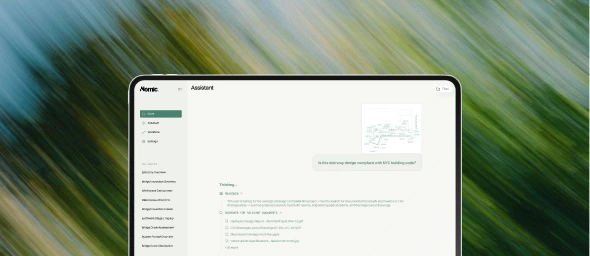
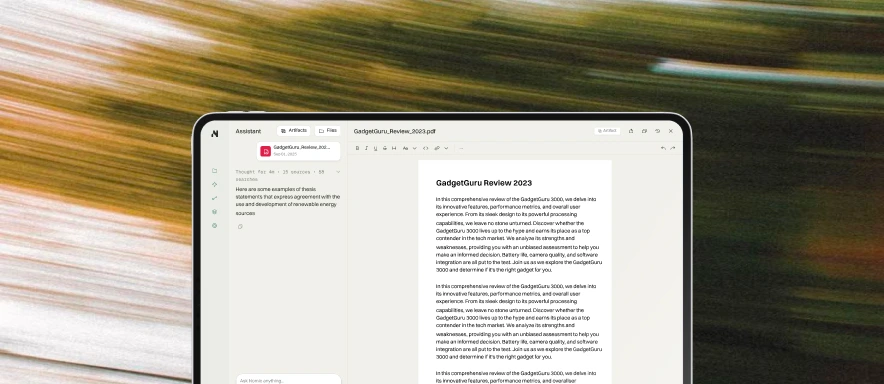
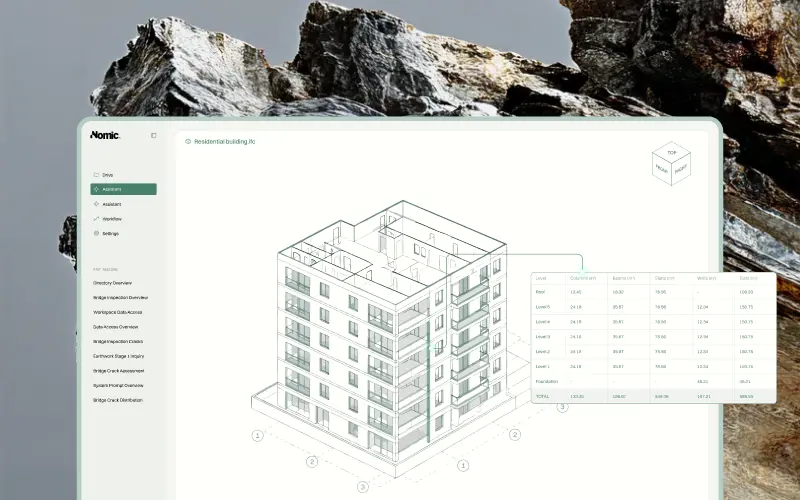
AI knowledge base search for architecture firms works by indexing drawing content — not file names, but the actual notes, dimensions, detail references, and material callouts that appear on each sheet. Teams can then search by what a detail shows or what a specification requires, not by what a file is named.
The practical difference is that a query like “curtain wall head condition at parapet, healthcare project” returns results from the relevant drawings and specifications — cited with project name, sheet number, and drawing location — rather than a list of folders to manually search. The detail is findable whether it was drawn by a current staff member or a designer who left the firm three years ago.
The Knowledge Retention Problem
Architecture firms lose institutional knowledge when staff move on. Senior designers and PMs carry tacit knowledge about past project decisions, client preferences, and proven technical approaches that rarely gets documented explicitly. When they leave, that knowledge walks out the door.
AI knowledge bases partially address this by making the knowledge embedded in drawings and specifications searchable. The reasoning behind a design decision may not be documented, but the decision itself is — in the drawing. And if the drawing is indexed and searchable, the approach is recoverable even years later.
This is not a complete solution to knowledge retention, but it is a meaningful one. Firms that have indexed their project archives report that new staff become productive faster, junior designers find relevant precedents without interrupting senior staff, and proposal teams can research comparable project experience in minutes rather than hours.
RFP Research and Proposal Quality
One of the highest-value applications of an AI architecture knowledge base is RFP response research. Architecture firms compete on demonstrated experience, and the quality of that demonstration depends on how well proposal teams can find and articulate relevant past work.
The traditional process involves emailing colleagues, searching project databases, and hoping someone remembers which project has the right experience. An AI knowledge base changes this: proposal teams can search the indexed archive by building type, system, sector, or client requirement and get cited results with project details, relevant drawings, and specification references.
The proposals that result from this process are more specific, better supported, and faster to produce. The research that used to take two days can happen in an afternoon. And the experience documented is drawn from the full firm archive, not just projects that the proposal team happens to know about.
Getting Started
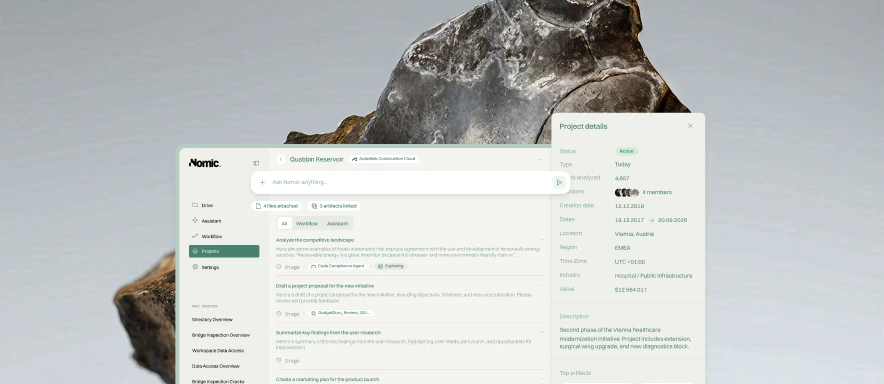
Architecture firms that have implemented AI knowledge bases typically start with their most recent five to ten years of completed projects, connect their existing storage systems — SharePoint, Egnyte, Autodesk Construction Cloud, or similar — and begin searching immediately as the indexing progresses.
The most important factor for success is not the size of the archive but the habit of using it. Firms where designers routinely search the knowledge base before starting a new detail or specification section compound the value quickly. Every project adds to the searchable library, and the return on the initial setup investment grows with every subsequent use.