MEP coordination problems are expensive to fix after construction starts. Ductwork that conflicts with structural beams, pipe chases that were not coordinated with the architectural reflected ceiling, electrical equipment that does not fit in the space allocated — these are not rare edge cases. They are predictable consequences of a process that relies on manual cross-referencing of complex, multi-discipline drawing packages.
AI tools for MEP engineering are starting to address this at the drawing review and submittal stages, before problems reach the field. Here is where the meaningful gains are happening.
Drawing Review: Catching MEP Coordination Issues Pre-Construction
MEP drawing review has two components that AI can support. The first is internal completeness — reviewing mechanical, electrical, and plumbing drawings for missing information, incomplete schedules, and documentation gaps that would generate field questions. The second is cross-discipline coordination — comparing MEP routing against architectural and structural drawings to surface conflicts before construction starts.
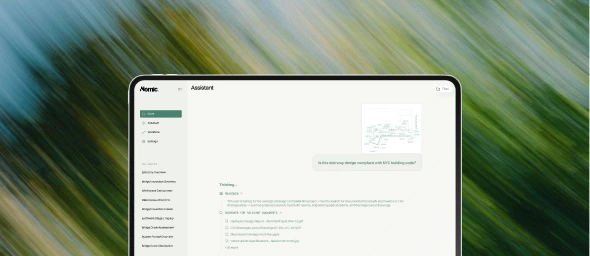
AI drawing review for MEP engineers works by reading drawing content from CAD-derived PDFs and organizing findings by system, severity, and sheet location. The MEP engineer reviews the output and decides what needs resolution — but starts from a structured issue list rather than a blank page.
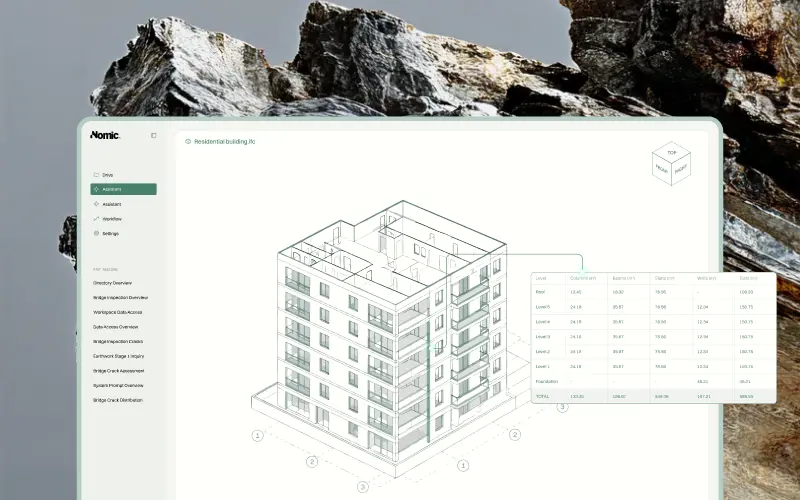
The coordination component is particularly valuable. MEP ductwork and piping routing conflicts with structural elements are among the most common construction-phase RFIs, and they are almost always preventable if the review happens before mobilization. AI tools that can read both MEP and structural drawings simultaneously can surface these conflicts systematically — not just in areas that a manual reviewer thinks to check, but across the entire set.
Submittal Review: MEP Equipment Under a Deadline
MEP submittals have a challenging property: they often involve complex equipment with long lead times, which means approval delays have direct schedule consequences. An air handling unit or chiller that sits in the submittal queue longer than necessary affects not just the reviewer’s workload, but the project schedule.
The review process itself involves comparing product data sheets against project specifications and equipment schedules — checking performance capacities, dimensional constraints, utility connection points, and certification requirements. This is time-consuming and requires navigating multiple documents simultaneously.
AI submittal review for MEP engineers compresses the comparison step by cross-referencing product data against the indexed MEP specifications and drawing schedules. The output is a first-pass findings list — deviations, missing certifications, dimensional conflicts — that the MEP engineer reviews and acts on. Equipment that conforms to spec clears faster. Equipment with real issues gets the engineer’s full attention.
Coordination Document Tracking
MEP coordination during construction generates a secondary document problem: clash reports, coordination drawings, and resolution notes accumulate quickly, and tracking the status of outstanding items requires discipline that busy project teams often lack.
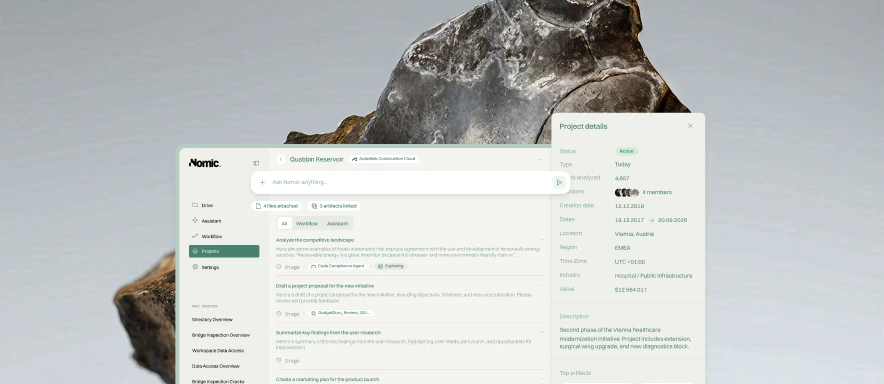
AI tools that can read coordination documents and track resolution status help MEP project managers identify which clashes are still open, which have been resolved, and which need MEP engineer input before a coordination solution can be approved. The alternative — manually tracking every item in a coordination log — is the norm on most projects, and it is why important items sometimes fall through the cracks until they become field problems.
The Common Thread
What MEP firms are finding is that AI tools create the most value when they are positioned early in the decision-making process — as first-pass reviewers that surface issues before they compound. A coordination conflict caught during drawing review costs almost nothing to resolve. The same conflict caught during construction coordination costs field time, schedule float, and often involves three parties that need to agree on a solution.
Domain-specific AI tools that understand MEP system vocabulary, code references, and coordination workflows produce better results than generic document processing. The quality of the output depends on whether the tool understands what it is reading — and for MEP engineering, that specificity matters.