Every AEC firm knows the drill. A new drawing set lands — 60, 80, maybe 200 sheets. A senior engineer or architect opens each page, cross-references against specs and previous submissions, marks up discrepancies with red clouds, and writes comments that junior staff will need to track and resolve. The process takes days. Sometimes weeks.
This manual QA/QC workflow is one of the most time-intensive activities in design and construction. And despite being mission-critical — errors caught late cost 10 to 100 times more to fix in the field — it remains stubbornly analog at most firms.
Where the Hours Go
We have spoken with dozens of design firms and contractors about their review workflows. The patterns are remarkably consistent:
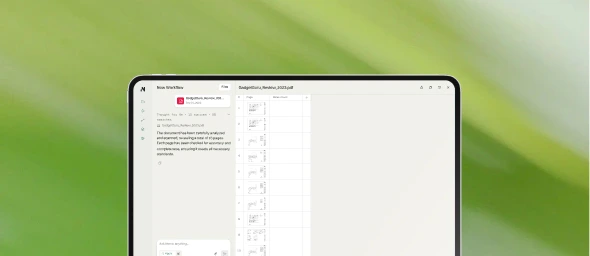
Sheet-by-sheet visual inspection. Reviewers open each sheet and scan for issues: missing dimensions, incorrect references, inconsistent annotations, clashes between disciplines. This is cognitively demanding work that requires deep expertise and sustained concentration.
Cross-referencing between documents. A structural drawing references a detail on another sheet. A specification section calls out a product that should appear in the finish schedule. Reviewers constantly jump between documents to verify consistency — a process that is slow, error-prone, and exhausting.
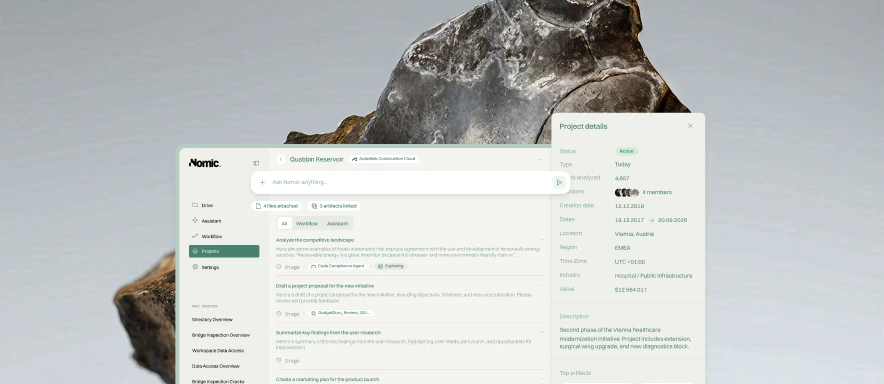
Tracking and communicating findings. Once issues are found, they need to be documented, categorized, assigned, and tracked through resolution. Many firms still do this with marked-up PDFs emailed between teams, creating version control headaches and lost context.
Repetitive code checks. Many review items are fundamentally the same across projects — egress width compliance, accessibility requirements, fire rating continuity. Yet each project starts the review from scratch because the checks are performed manually.
The Real Cost
The direct cost is straightforward to calculate: senior staff hours multiplied by billing rates. For a large project, drawing review can consume thousands of hours across the design team.
But the indirect costs are far larger. Errors that escape review become RFIs in the field, change orders during construction, and in the worst cases, safety issues or code violations that require demolition and reconstruction. Industry research consistently shows that the cost of fixing an error increases by an order of magnitude at each project phase — from design to procurement to construction to operations.
There is also an opportunity cost. Senior staff spending weeks on review are not doing higher-value work: mentoring junior designers, developing client relationships, or advancing the firm's design methodology.
Why Automation Has Been Elusive
Drawing review has resisted automation because it requires capabilities that general-purpose software does not have. Reviewers need to parse complex visual documents, understand domain-specific symbols and conventions, reason about code requirements, and maintain context across hundreds of sheets.
Traditional rule-based approaches can catch some issues — missing title block information, for example — but cannot handle the judgment-intensive checks that consume most review time. And until recently, AI systems lacked the multimodal understanding needed to meaningfully process construction drawings.
A New Approach
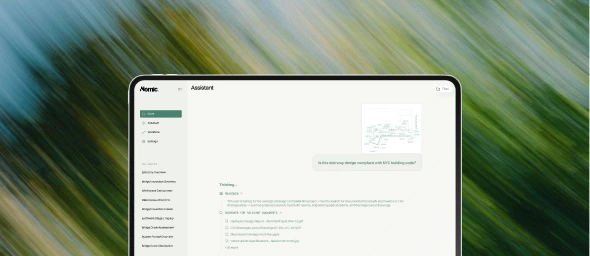
At Nomic, we are building automated drawing review that works the way experienced reviewers do — understanding the visual language of construction documents, cross-referencing between sheets and specifications, and checking against applicable building codes and standards.
Our approach uses domain-specific models trained on AEC data to parse drawings at the level of detail that review requires. The result is not a replacement for human judgment, but a first-pass review that catches the issues that consume most of a reviewer's time, so they can focus their expertise where it matters most.
Drawing review does not need to be a bottleneck. See how Nomic can help.